
Technology support built around your workload
On-demand ICT services give your organization access to skilled technical support exactly when it is needed. We help stabilize systems, solve user issues, protect data, maintain infrastructure, and support growth without forcing you into a one-size-fits-all arrangement.
Fast response
Issues are assessed quickly so downtime, delays, and user frustration are reduced.
Secure operations
Support is delivered with data protection, access control, and continuity in mind.
Key service areas
ICT services available on demand

ICT Support and Help Desk
- Hardware and software troubleshooting
- Remote and on-site technical support
- User account and email configuration
- Operating system installation and updates
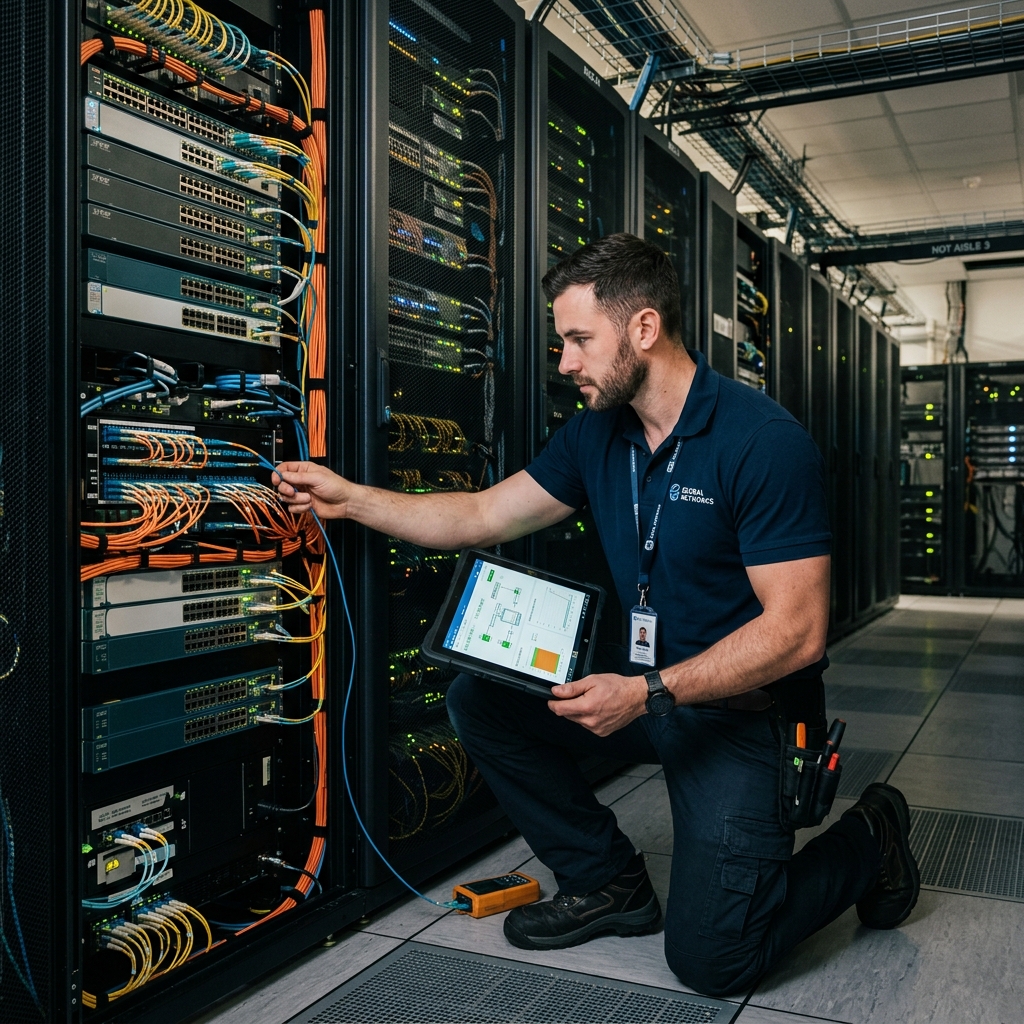
Network Management
- Network setup and configuration
- Wireless installation and optimization
- Monitoring and performance management
- VPN and connectivity troubleshooting

Cybersecurity Services
- Security assessments and audits
- Firewall installation and management
- Antivirus and malware protection
- Data protection and awareness training

Cloud Computing Services
- Cloud migration and deployment
- Microsoft 365 and Google Workspace support
- Cloud backup and disaster recovery
- Cloud infrastructure management
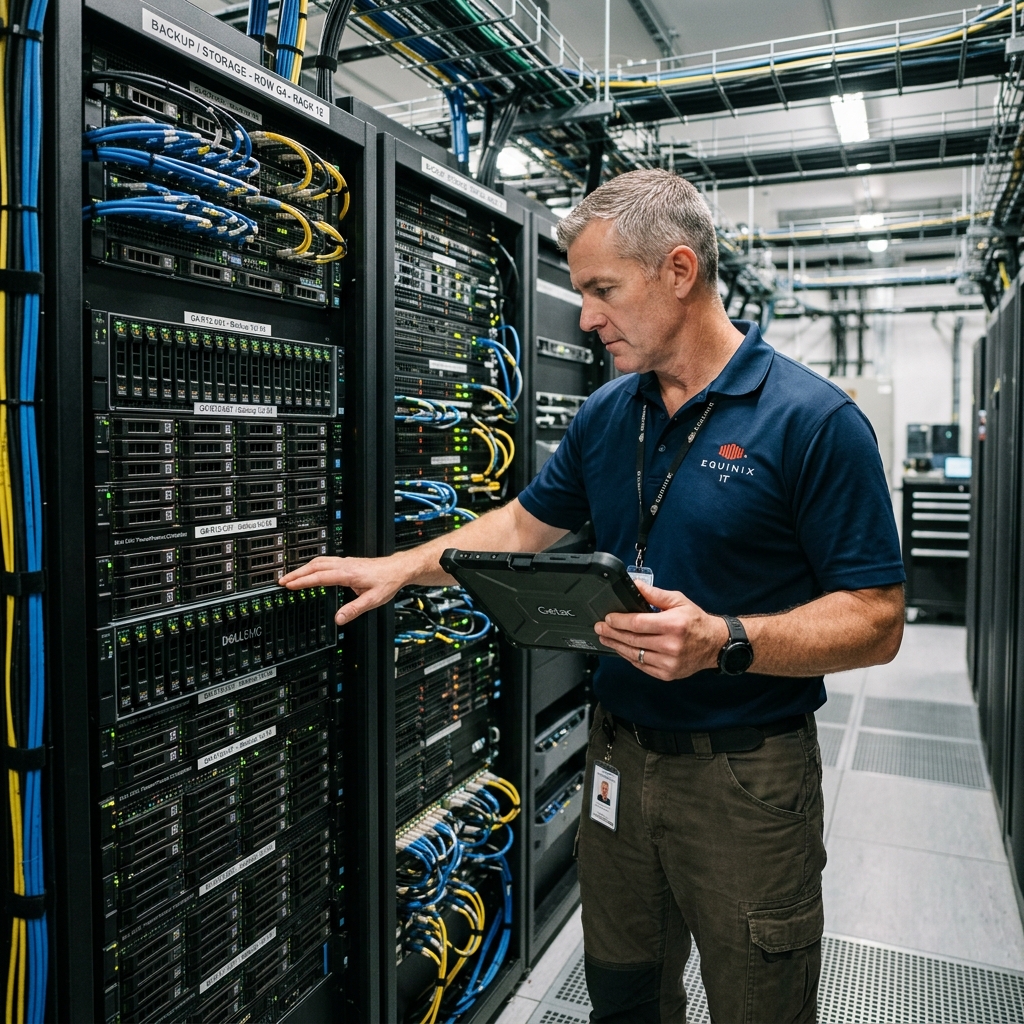
Data Backup and Recovery
- Automated backup solutions
- Disaster recovery planning
- Data restoration services
- Backup monitoring and testing

Website and Application Support
- Website maintenance and updates
- Domain and hosting management
- Web application troubleshooting
- Database and performance optimization

ICT Infrastructure Management
- Server installation and maintenance
- Hardware procurement and setup
- System upgrades and migrations
- Equipment inventory and preventive maintenance

Software Development and Customization
- Custom software development
- Mobile application development
- Database design and management
- API integrations and process automation
Endpoint and Device Support
- Laptop, desktop, and peripheral setup
- Printer and scanner configuration
- Device performance troubleshooting
- Patch management and software updates
Email and Collaboration Tools
- Business email setup and migration
- Shared mailbox and group management
- Calendar, Teams, and Meet support
- Access permissions and account recovery
Mobile and Field Team Support
- Mobile device setup and troubleshooting
- Field data collection app support
- Offline sync and connectivity checks
- User onboarding for mobile workflows
ICT Policy and Documentation
- ICT policy review and preparation
- Asset registers and system documentation
- Backup and access control procedures
- Standard operating procedure templates
Monitoring and Preventive Maintenance
- System health checks and reporting
- Uptime and availability monitoring
- Preventive maintenance schedules
- Risk alerts and improvement recommendations
Staff ICT Training and Enablement
- Basic ICT skills coaching
- Cybersecurity awareness sessions
- Cloud and collaboration tool training
- User guides for internal systems
Systems Integration Support
- Connecting business platforms and tools
- Data import and export workflows
- API troubleshooting and support
- Automation of repetitive operational tasks
Procurement and Vendor Coordination
- ICT equipment needs assessment
- Vendor quotation review and guidance
- Hardware setup after purchase
- License renewal and supplier coordination
Business Systems Support
- ERP, CRM, and POS user support
- Workflow configuration and troubleshooting
- Role-based access and permission setup
- Operational system improvement guidance
Data, Reporting, and Analytics
- Dashboard and reporting support
- Data cleanup and validation checks
- Spreadsheet and database reporting workflows
- Decision-support reports for management
VoIP and Communication Systems
- VoIP phone setup and troubleshooting
- Call routing and extension configuration
- Video meeting room support
- Communication tool onboarding
ICT Compliance and Risk Reviews
- ICT risk and control reviews
- Access rights and account audits
- Data handling process checks
- Compliance readiness recommendations
Connectivity and Internet Resilience
- ISP coordination and fault escalation
- Failover internet planning
- Router and firewall performance checks
- Bandwidth usage review and optimization
Power and Continuity Support
- UPS needs assessment and setup
- Power backup checks for critical systems
- Safe shutdown and recovery procedures
- Continuity planning for outages
Database Administration Support
- Database backup and restore support
- User access and permission management
- Performance checks and query review
- Data migration and integrity checks
Deployment and Rollout Support
- New system rollout planning
- User acceptance testing support
- Go-live readiness checks
- Post-deployment stabilization support
Why it works
Benefits for growing teams and organizations
Cost Efficiency
Pay for the ICT services you need without carrying the overhead of a full-time technical department.
Specialized Expertise
Access experienced professionals across support, infrastructure, cloud, security, data, and software systems.
Flexibility and Scalability
Scale support up or down depending on workload, urgency, organizational growth, and available budget.
Faster Problem Resolution
Reduce downtime by getting technical issues assessed, escalated, and resolved quickly.
Improved Security
Strengthen system protection through monitoring, updates, access control, and practical security guidance.
Focus on Core Work
Let your team focus on service delivery while ICT professionals handle the technical environment.
Request packages
Start with the support model that matches your situation
One-Time IT Support
Specific issues, setup tasks, or short technical interventions.
- Issue diagnosis
- On-site resolution
- Same-day callback
Monthly Managed
Ongoing monitoring and maintenance for growing organizations.
- 24/7 Monitoring
- Help desk support
- Monthly reporting
Emergency Response
Critical downtime, security incidents, or urgent system failures.
- !Rapid triage
- !Incident containment
- !2-hour SLA
Infrastructure Audit
Understand risks, costs, and upgrade priorities across your stack.
- Security audit
- Risk assessment
- Action plan
Priority levels
Route urgent work faster
Critical
System down, security incident, data loss risk, or business operations blocked.
High
Major disruption affecting a team, service, network, cloud tool, or important workflow.
Normal
Routine troubleshooting, configuration, user support, updates, maintenance, or advisory help.
Planned
Audits, migrations, upgrades, automation, staff support, and scheduled improvements.
Common problems
The issues teams usually bring to us
- Slow internet or unstable Wi-Fi
- Emails not syncing or accounts locked
- Suspicious activity, malware, or risky access
- Failed backups or missing recovery plans
- Website downtime or poor performance
- Server, storage, printer, or workstation issues
- Cloud storage, Microsoft 365, or Google Workspace problems
- Manual workflows that need automation or integration
Not sure what you need?
Request an ICT health check
Share what is not working, what feels risky, or what your team wants to improve. We can help identify priorities across support, security, backups, cloud, infrastructure, and software workflows.
Delivery models
Choose the support model that fits the situation
Remote Support
Online assistance through remote access tools, phone calls, email, and virtual meetings.
On-Site Support
Hands-on visits for installations, troubleshooting, maintenance, audits, and staff support.
Managed ICT Services
Continuous monitoring and management of ICT systems under a practical service agreement.
Emergency ICT Support
Rapid response for critical outages, security incidents, system failures, and urgent technical issues.
Expected outcomes
What your organization should gain
- Improved system performance and reliability
- Enhanced cybersecurity posture
- Reduced ICT operational costs
- Increased staff productivity
- Better data management and protection
- Faster response to technical challenges
- Greater business continuity and resilience
On-Demand Services FAQs
- Help desk, hardware, software, and user account support.
- Network setup, Wi-Fi optimization, VPNs, and internet troubleshooting.
- Cybersecurity reviews, firewall support, malware protection, and security awareness.
- Cloud, backup, website, database, infrastructure, and software support.
If you are unsure where your issue fits, submit it and our team will route it correctly.
Remote Assistance Tools
Download client before starting support